Getting started
Ask a question
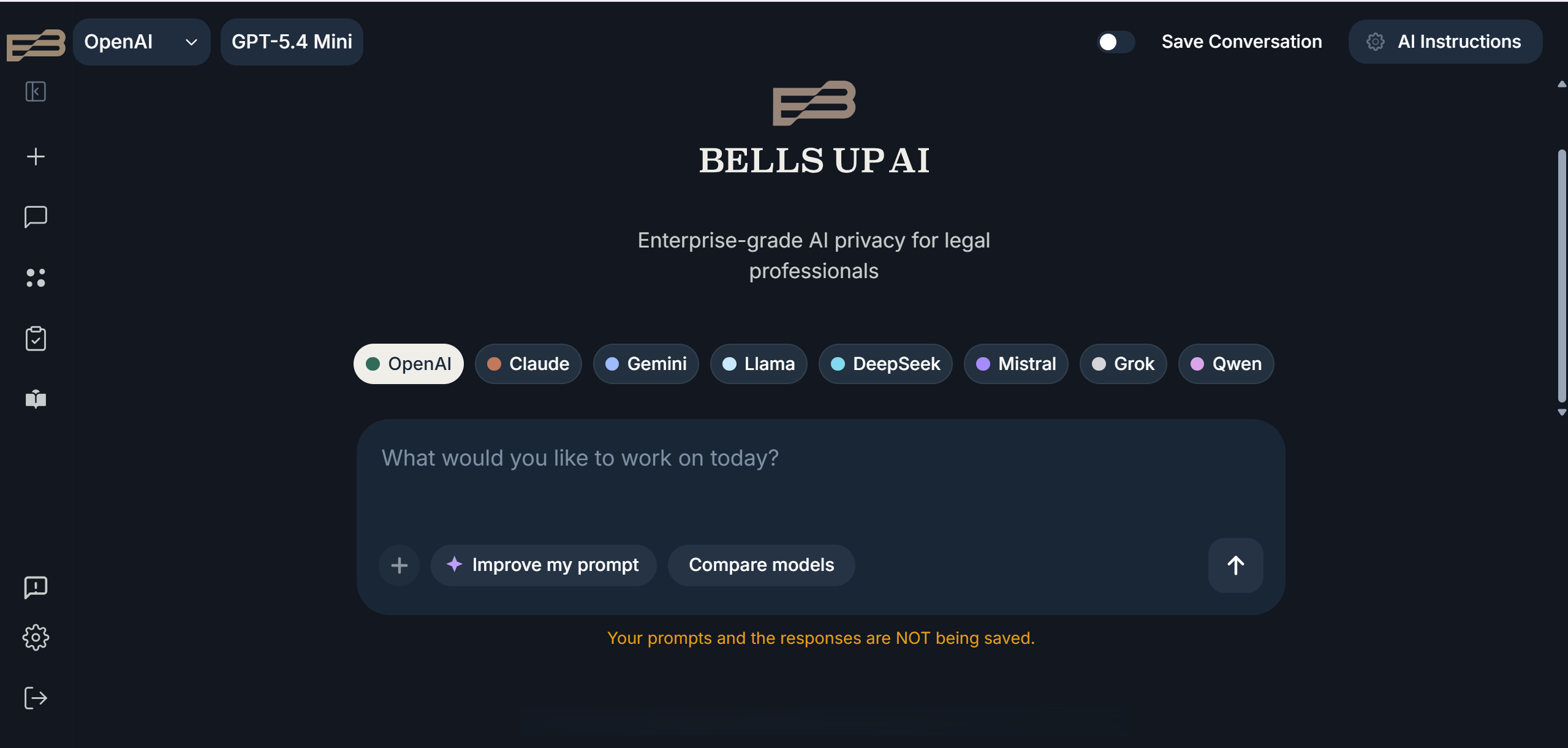
Type your question or task in the input area at the bottom. Hit Enter or click the arrow to send. Responses stream in real time.
A few things to know:
- You can paste in document text, contract excerpts, or case facts — the model will work with what you give it.
- Long context is supported. Most models handle 100,000+ tokens, roughly 75,000 words.
- Use the Compare Models button to run the same prompt across multiple models side-by-side.
- The Improve My Prompt feature (✦) analyzes your input and suggests a more effective version.
Feature to try — Document upload
You don’t have to paste text by hand. Click the upload icon next to the prompt area to attach a document directly, or paste long text right into the message. Bells Up AI will extract the contents and work with the document in context — no copy-paste gymnastics required.